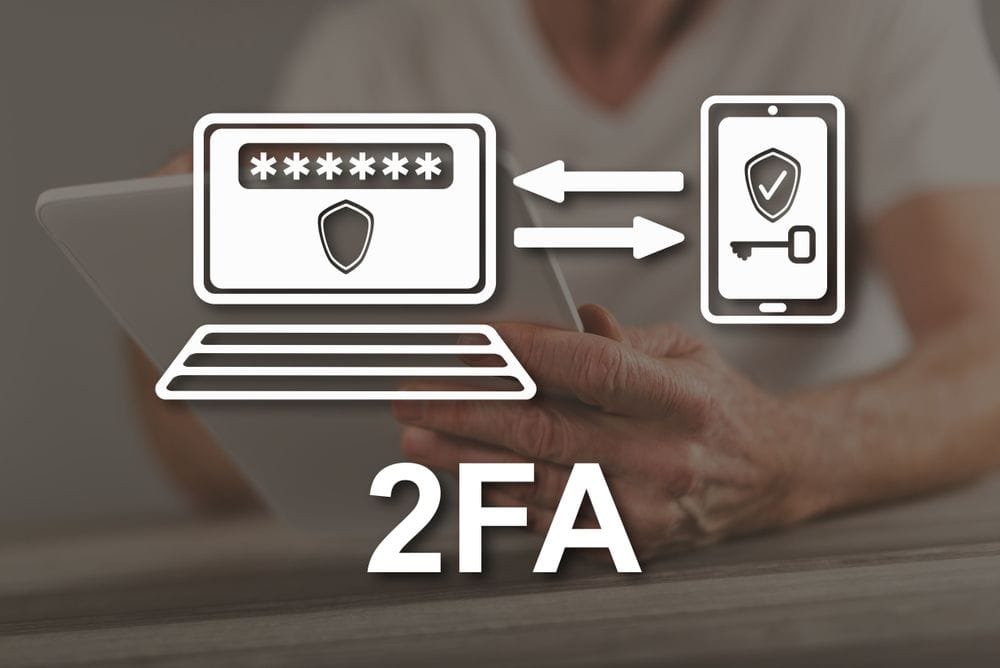
If you’ve ever been asked to enter a one-time code after typing your password, you’ve used two-factor authentication (2FA). It’s one of the simplest and most effective ways to protect your online accounts — from crypto exchanges to your email inbox — against unauthorized access.
This article breaks down how 2FA works, the types of authentication it uses, and why enabling it should be a top priority for anyone serious about digital security.
What Is Two-Factor Authentication (2FA)?
Two-factor authentication is a security process that requires two different types of verification before granting access to an account. In most cases, this means something you know (like a password) and something you have (like a one-time code sent to your phone or generated by an app).
By adding this extra step, 2FA ensures that even if someone steals your password, they still can’t get in without the second factor — a critical safeguard in an age of widespread phishing and data breaches.
2FA is now standard practice across the web, used by banks, crypto platforms, payment providers, and social media apps alike.
How 2FA Works
2FA is a form of multi-factor authentication (MFA) — meaning any system that requires more than one type of credential to log in. For 2FA to qualify, those credentials must come from two different categories:
1. Knowledge Factors — Something You Know
This is the first line of defense. It usually involves a password or a PIN code.
Security questions like “What’s your mother’s maiden name?” also fall into this category — though pairing two knowledge factors together (for example, a password plus a security question) doesn’t count as true two-factor authentication.
2. Possession Factors — Something You Have
This step requires a physical or digital item in your possession. Common examples include:
- One-Time Passwords (OTPs) sent via SMS or email.
- Authenticator apps such as Google Authenticator, Authy, or Microsoft Authenticator, which generate codes that refresh every 30 seconds.
- Push notifications, where you simply approve or deny a login attempt through a trusted device.
- Hardware tokens, like USB keys or smart cards, often used in corporate environments for added protection.
3. Inherent Factors — Something You Are
Many systems now incorporate biometrics, such as fingerprint scans, facial recognition, or retina scans, to verify identity. These factors are unique to each individual, making them especially difficult to replicate.
Why 2FA Matters
The main reason to use 2FA is simple: it dramatically increases your security.
If your password gets compromised — whether through a phishing scam, a leaked database, or malware — 2FA acts as a crucial second lock. An attacker would also need access to your phone, hardware token, or biometric data to break in.
This added layer of protection has become so important that regulators now require it in some sectors. For instance, the EU’s Payment Services Directive 2 (PSD2) mandates “strong customer authentication,” meaning multi-factor verification for online payments and banking services.
The Limits of 2FA
While 2FA is powerful, it isn’t foolproof. Here’s what to watch out for:
- Phishing and malware can still capture your password (the first factor).
- SIM-swapping attacks can redirect OTPs sent via SMS to a hacker’s device.
- Stolen hardware tokens can compromise accounts if not reported or disabled quickly.
- Biometric data leaks are rare but serious — unlike a password, you can’t just change your fingerprint.
To minimize these risks, it’s best to use authenticator apps or hardware keys instead of SMS-based codes, which are more vulnerable to interception.
Staying Safe with 2FA
Using 2FA wherever it’s available — especially for crypto wallets, exchanges, banking apps, and email accounts — is one of the smartest moves you can make online.
Here are a few extra security tips:
- Use a password manager to generate and store strong, unique passwords.
- Avoid clicking suspicious links or sharing personal details online.
- Keep your phone and authenticator apps backed up securely.
- Stay informed about phishing tactics and emerging scams.
When combined with good security habits, 2FA can stop most account takeover attempts cold.
Key Takeaways
- Two-factor authentication (2FA) adds an extra layer of security by requiring two types of verification.
- Typical factors include a password (knowledge) and a one-time code (possession).
- Authenticator apps and hardware tokens are more secure than SMS-based methods.
- While not invincible, 2FA significantly reduces the risk of unauthorized access.